






GMB PIN Location Is Incorrect? GMB Expert In Delhi NCR
GMB Incorrect PIN Location – Why It Happens & How to Fix It
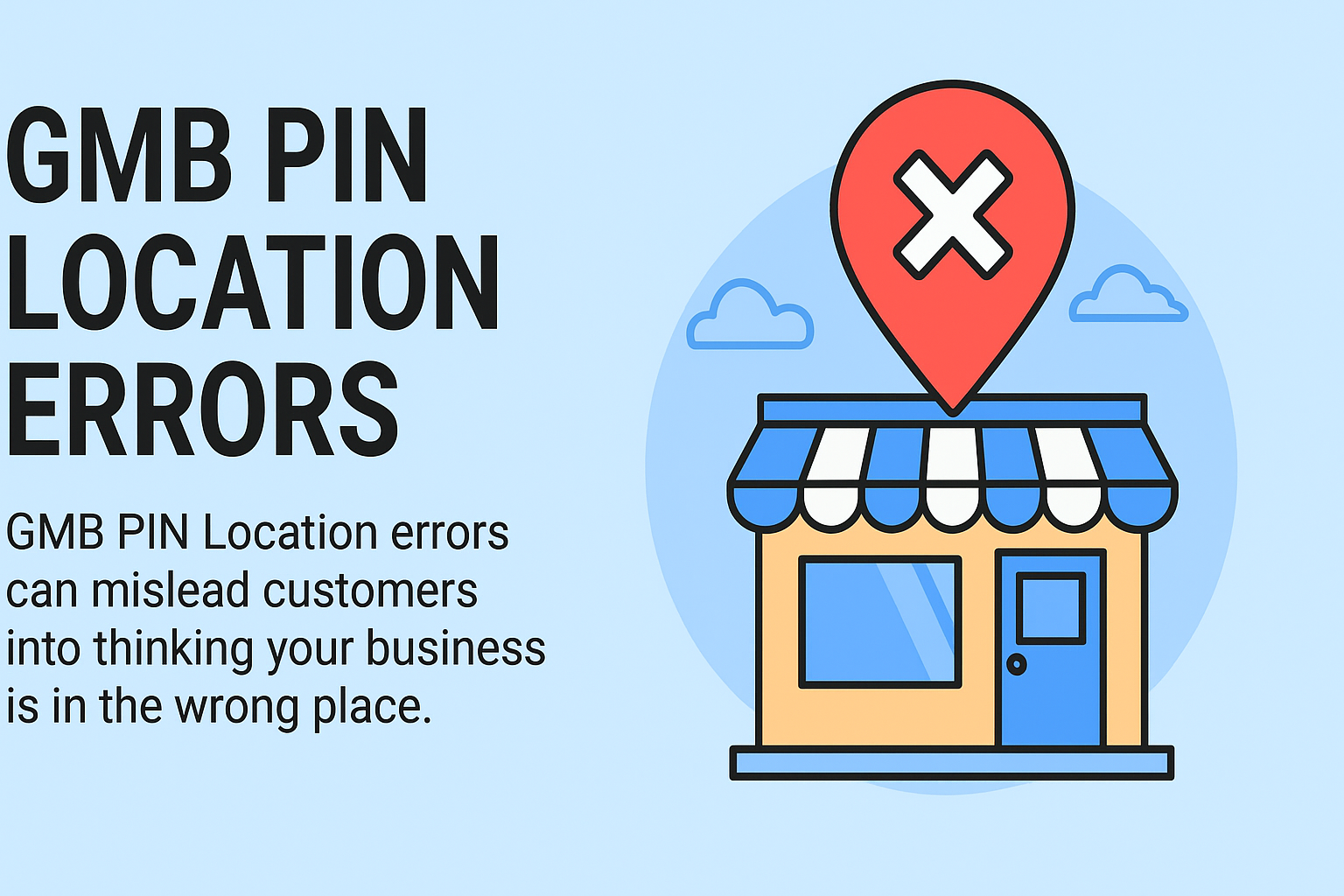
GMB PIN Location errors can mislead customers into thinking your business is in the wrong place. This can reduce walk-in traffic, turn away potential buyers, damage your local SEO, and make it harder for people to find you both online and offline.
Sometimes, your office might show up on the wrong street. A pin can even land in an empty lot. Digital Dhanu tells you why this happens:
- Why the GMB location PINs end up in the wrong spot
- What you can do to fix map markers that do not match your location
- The best ways to keep this from happening again
Why Your GMB Pin Location Might Be Incorrect
Google puts your PIN where the address you give is. But there are several things that can make it be in the wrong place.
⚠️ Common Causes:
- Poor address formatting. There may be missing details like the floor or building.
- The building could be new or not yet shown in Google Maps.
- GPS coordinates put in the backend might be wrong.
- Manual PIN adjustment may not happen after the check.
- A business may move but still not be changed in GMB.
Even a tiny change in the PIN can make people feel lost or go to the wrong spot.
How to Identify a Wrong GMB PIN Location
Use these steps to check if your Google Maps marker shows the right place:
1. Search for your business on Google Maps
Make sure to check that the pin is right at your entrance or sign.
2. Use mobile navigation
Get your phone and open Google Maps. Search for your business and try to follow the route. See if it takes you to the right place.
3. Compare with nearby landmarks
Your pin should be as close as you can get it to your real store, office, or gate.
How to Fix an Incorrect PIN Location on Google Business Profile
Step 1: Sign in to Google Business Profile Manager
Go to: https://business.google.com/ and pick your location.
Step 2: Click “Edit Profile” > “Location”
Find the “Edit map location” under your business address.
Step 3: Drag the PIN to the Correct Spot
Zoom in and drag the red pin to the spot where your entrance or main way in is. It helps to use a satellite view to get the right spot.
Step 4: Save and Submit
After you change the pin, click on “Apply”. Then wait for Google to look at the change and show it on the site.
Note: It can take one to three days for the new pin location to show up where everyone can see it.
Best Practices to Avoid PIN Location Errors
1. Format Your Address Properly
Include all important info like suite or floor number, nearby place, and postal code.
2. Use Satellite View During Setup
When you make a new GMB, always look at the pin spot in satellite mode to be sure it is right.
3. Upload Geotagged Photos
Use pictures that you take at the spot and with GPS data. This lets Google know just where you are.
4. Avoid Shared Addresses
If you’re in a large or coworking space, make sure your business name and unit stand out from the others.
FAQs
What happens if my GMB pin is wrong?
Customers can show up at the wrong spot. This can make your business look bad, and it can also hurt your local SEO rankings.
Can I change the pin location after verification?
Yes, you can change the PIN at any time. Just use the “Edit map location” option.
How long does it take for Google to update the pin?
It usually takes 1 to 3 days for this. But the time can change based on how trustworthy the account is.
Let Digital Dhanu Fix Your GMB Location Today!
Are you having trouble with a wrong place marked on Google Maps? Let Digital Dhanu fix it for you!
We offer:
- GMB PIN correction
- Address formatting fixes
- Local SEO audit
- Business relocation assistance
👉 Get in touch with us now to make sure your customers always find where they need to be.
Conclusion
The wrong PIN on your GMB can make customers feel unsure. It can also cause your business to be seen as less and feel less trusted. The good news is that you can fix it quickly if you know what to do.
You can follow the steps above. Or, you can let Digital Dhanu handle it for you. We have a team that is good at GMB support and local SEO services.
✅ A right location can help you get more people, build trust, and move up in the search results.
